What is a VAT Certificate and How to Obtain It?
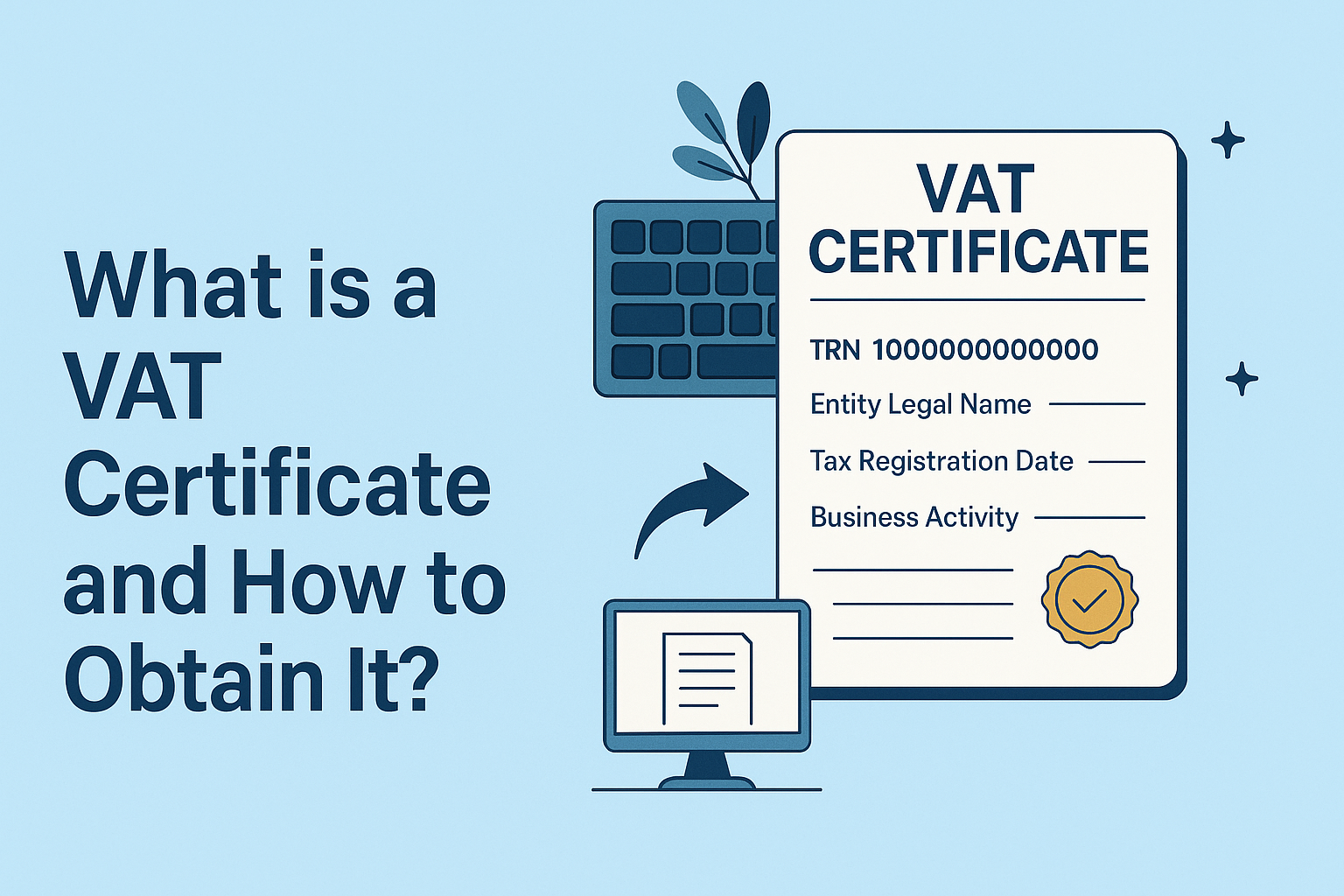
What is a VAT Certificate and How to Obtain It in the UAE?
Introduction
If your business is registered for Value Added Tax (VAT) in the UAE, one of the most important documents issued by the Federal Tax Authority (FTA) is the VAT Registration Certificate. This certificate is official proof that your business is compliant with VAT laws and is authorized to collect and remit VAT.
In this blog, we’ll cover:
• What a VAT certificate is
• Why it is important
• How to obtain your VAT certificate from the FTA
• Key information included in the certificate
• Tips for using and maintaining it properly
________________________________________
What is a VAT Certificate?
A VAT certificate is an official document issued by the Federal Tax Authority (FTA) confirming that a business or individual is registered for VAT in the UAE.
It includes the Tax Registration Number (TRN), business name, registration date, and other vital details that validate a company's VAT registration status.
________________________________________
Why is a VAT Certificate Important?
Having a VAT certificate:
• Serves as legal proof of VAT registration
• Allows your business to issue tax invoices
• Builds credibility with customers and suppliers
• Is often required for:
o Opening a corporate bank account
o Customs clearance
o Tenders and government contracts
• Demonstrates compliance with UAE VAT law
Without a VAT certificate, you cannot legally charge or collect VAT from customers.
________________________________________
Key Information on the VAT Certificate
A UAE VAT Certificate includes:
Field Description
Tax Registration Number (TRN) A unique 15-digit number assigned to your business
Entity Legal Name The registered business name (English and Arabic)
Tax Registration Date The effective date of VAT registration
Business Activity Description of the economic activity
Legal Structure Sole Proprietorship, LLC, Branch, etc.
Contact Details Registered business address, phone, and email
________________________________________
How to Obtain a VAT Certificate in the UAE
Once your VAT registration is approved, the certificate is made available on the EmaraTax portal.
🔹 Step-by-Step Process:
1. Visit https://eservices.tax.gov.ae
2. Log in using your EmaraTax account credentials
3. On the dashboard, click “View Taxable Person”
4. Select your TRN number
5. Click “VAT Certificate” under the documents section
6. Download the PDF or print as needed
You can save it on your records, and submit it to vendors, banks, or authorities as required.
________________________________________
What If I Lost or Did Not Receive My Certificate?
If you are registered for VAT but cannot find your certificate:
• Double-check the EmaraTax dashboard
• Ensure you have completed all pending actions (e.g., uploading missing documents)
• Contact the FTA via their support portal or call center
• Alternatively, your tax consultant can assist in retrieving it
________________________________________
Do You Need to Renew the VAT Certificate?
No. The VAT Certificate does not require renewal as long as your VAT registration remains active. However:
• You must update your business details (trade license renewal, address, activity) to keep your record accurate
• You should re-download a fresh copy if any update is made
________________________________________
Can I Use the Certificate for Multiple Branches?
If your company operates through multiple branches under one license, the same TRN and VAT certificate can apply to all operations. However, if branches are legally distinct entities, each must register separately and hold its own VAT certificate.
________________________________________
Conclusion
A VAT Certificate is more than just a document—it's a legal necessity and a trust indicator in business dealings across the UAE. It confirms your registration status and allows you to operate in a compliant, credible, and professional manner.
If you're just getting started or need help accessing your VAT certificate, our team at Sheikh Anwar Accounting & Auditing LLC is here to support you.
📞 +971-58-562-1786
🌐 www.sa-auditors.com
✉️ info@sa-auditors.com