How to Track Refund Status on FTA Portal
Introduction
After submitting a VAT refund request to the Federal Tax Authority (FTA) in the UAE, it's crucial for businesses and individuals to monitor the refund status to ensure timely receipt and compliance. The EmaraTax portal offers a convenient way to track your refund application in real-time.
This walks you through the step-by-step process to track your VAT refund status on the FTA portal, common statuses you may see, and how to resolve delays or issues.
________________________________________
✅ Who Can Track Refund Status?
You can track your refund status if you have submitted any of the following through the FTA portal:
• VAT311 Refund Request Form (businesses)
• Refund Request – UAE Nationals Building New Residence
• Foreign Business Refund Application
• Tourist Refund (only for validation issues via Planet)
________________________________________
🔑 Step-by-Step Guide: How to Track Refund Status on EmaraTax
________________________________________
Step 1: Log in to the FTA Portal
• Go to https://eservices.tax.gov.ae
• Click on “Login” and enter your EmaraTax username and password.
• Use your registered mobile for OTP verification if enabled.
________________________________________
Step 2: Navigate to the Refund Dashboard
Once logged in:
• Click on the "Refunds" tab on the left menu bar.
• Then click “VAT Refunds” or the appropriate refund type.
• A list of all your submitted refund requests will be displayed with reference numbers.
________________________________________
Step 3: View Refund Application Status
For each refund, the status will be shown as one of the following:
Refund Status Meaning
Submitted Refund request successfully filed and under initial review.
Under Review FTA is evaluating documents and invoices.
Awaiting Clarification FTA has requested more information. Action is required.
Approved Refund request accepted. Awaiting payment.
Paid Refund has been processed and transferred to your bank.
Rejected Refund has been denied. Reasons available in remarks section.
✅ Click on the “Details” or “View History” button to see:
• Submission date
• Refund reference number
• Any uploaded files
• Notes from FTA or required action
• Bank account used for refund
________________________________________
Step 4: Respond to Clarification Requests (if applicable)
If the status is "Awaiting Clarification":
• You will find a message from FTA requesting:
o Additional invoices
o Bank letter confirmation
o Missing documents or inconsistencies
🛠️ To respond:
• Click on the request
• Upload required documents
• Add remarks if necessary
• Click “Submit”
FTA will resume review once clarification is submitted.
________________________________________
📅 How Long Does It Take to Get a Refund?
Stage Expected Timeline
FTA Review & Clarifications Within 20 business days
Payment after approval Within 5 business days
Total refund time ~ 20–25 business days (approx.)
⏳ Delays may occur if:
• Documents are incomplete
• Clarifications are not submitted
• Bank account is not validated
________________________________________
🏦 How to Ensure You Receive the Refund
1. Your bank account details must be validated on EmaraTax.
2. Ensure the account name matches your registered business name.
3. Submit any clarification requests within 5 days of receiving notification.
4. Monitor your EmaraTax dashboard and email regularly.
________________________________________
🔔 FTA Notifications
FTA sends alerts via:
• Email (to your registered contact)
• EmaraTax inbox
• SMS (in some cases)
Make sure your contact details are updated in the portal to avoid missing important updates.
________________________________________
🚫 What If Refund Is Rejected?
If your refund is marked as “Rejected”, check the remarks for reasons like:
• Invalid or incomplete invoices
• Incorrect TRN on documents
• Claiming VAT on non-recoverable expenses
• Mismatched bank details
✅ You may amend your documents and submit a new refund request.
________________________________________
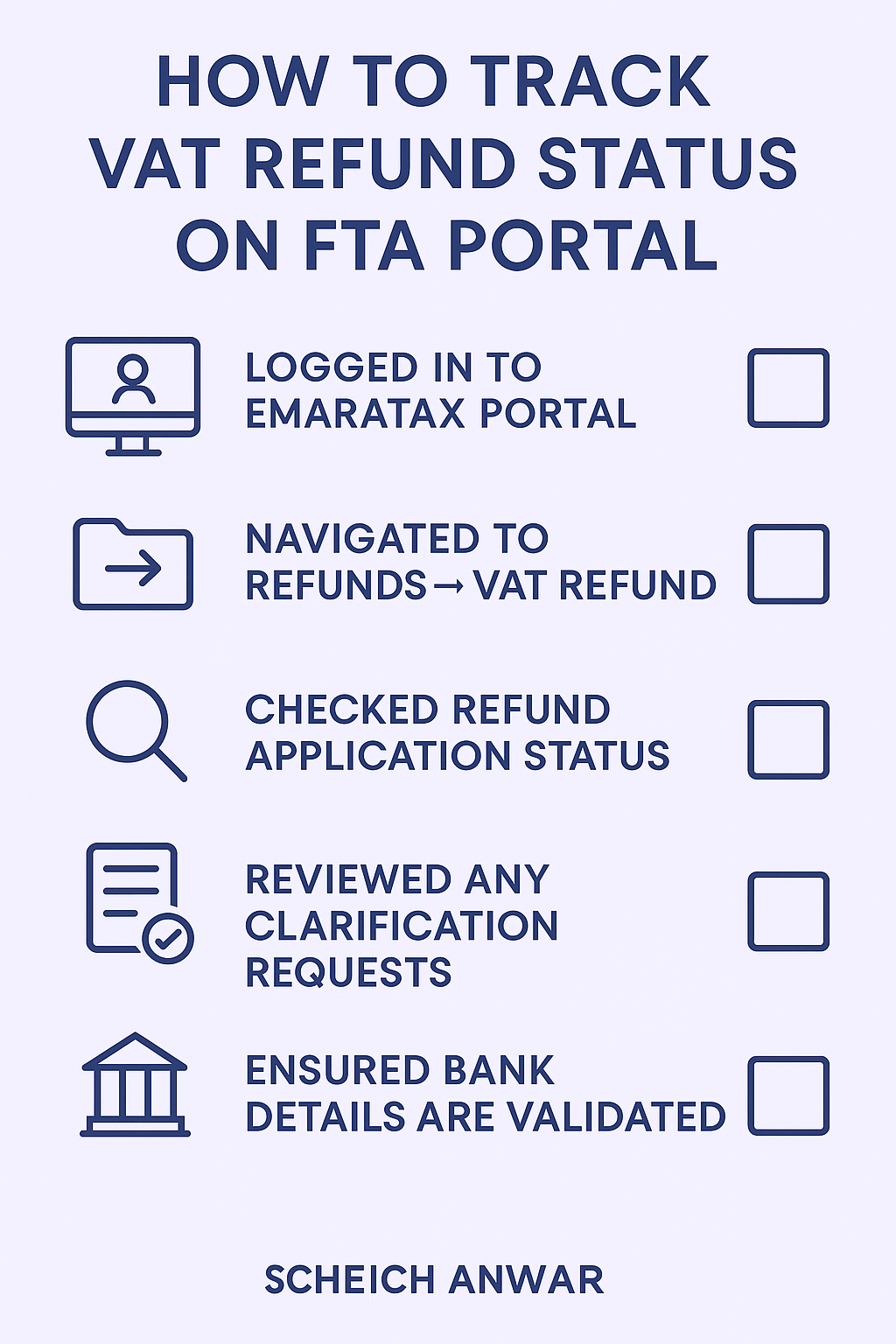
📌 Summary Checklist
✅ Task Status
Logged in to EmaraTax portal ☐
Navigated to Refunds → VAT Refund ☐
Checked refund application status ☐
Reviewed any clarification requests ☐
Ensured bank details are validated ☐
________________________________________
💼 Need Help Tracking or Filing a Refund?
At Sheikh Anwar Accounting & Auditing LLC, we assist with:
• VAT refund application filing
• Tracking and follow-up with FTA
• Clarification handling and documentation
• Bank detail validation and issue resolution
📧 Email us: info@sa-auditors.com
🌐 Website: www.sa-auditors.com