How to Make VAT Payments on the FTA Portal: A Step-by-Step Guide
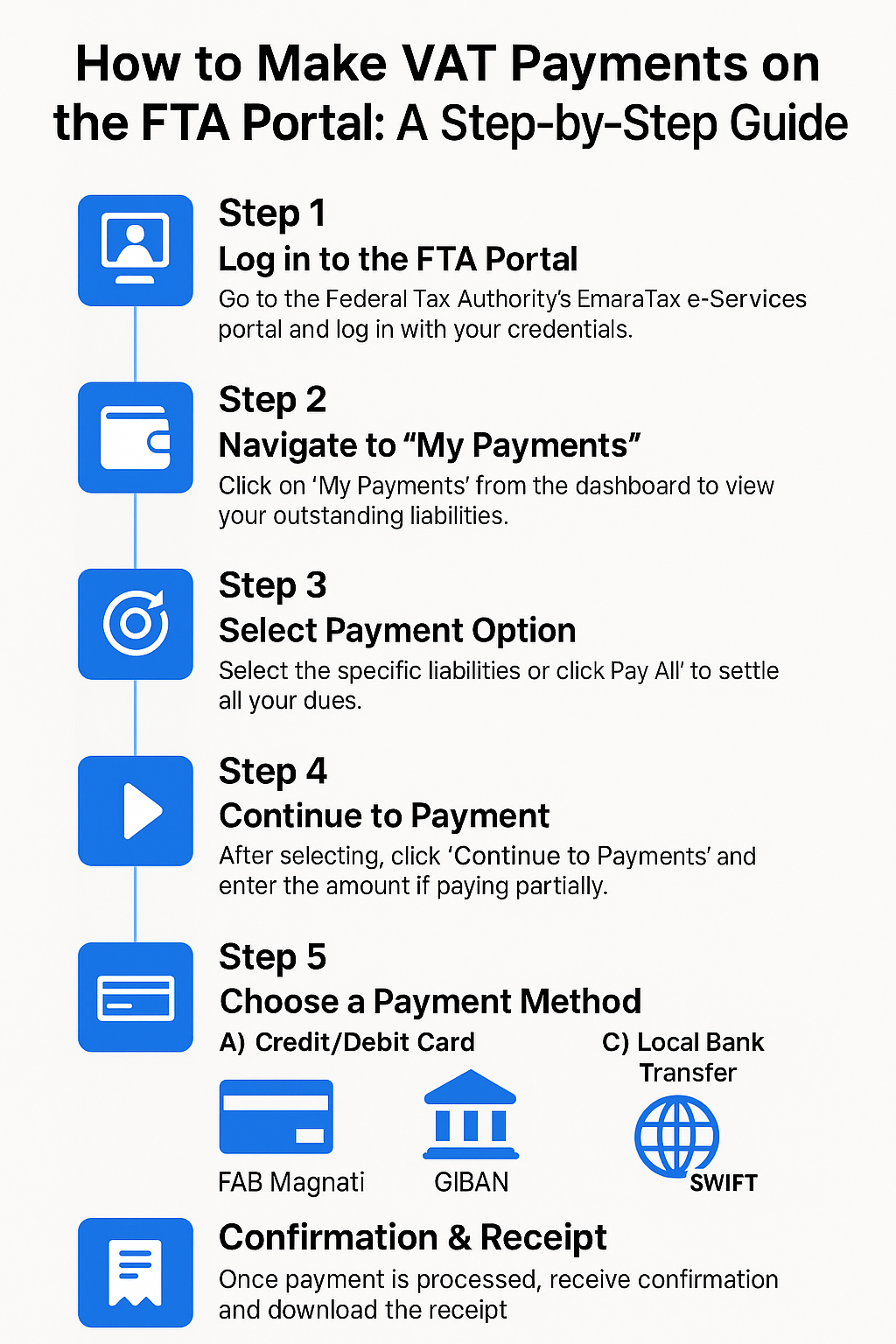
Paying your VAT obligations to the Federal Tax Authority (FTA) is a crucial part of tax compliance in the UAE. The FTA's EmaraTax portal offers multiple convenient ways for registered businesses to settle their dues. we’ll guide you through the step-by-step process to make VAT payments online—securely and efficiently.
✅ Step 1: Log in to the FTA Portal
Go to the Federal Tax Authority website and log in using your EmaraTax credentials. You must be a registered taxpayer with an active TRN (Tax Registration Number).
________________________________________
💼 Step 2: Navigate to “My Payments”
After logging in:
• Click on “My Payments” from the dashboard menu.
• You will see a breakdown of your outstanding VAT liabilities, penalties, or other dues.
________________________________________
🧾 Step 3: Select the Payment Option
You’ll have two main options:
• “Pay All” – This will clear all your pending dues starting from the oldest liability.
• “Select and Pay” – This lets you choose specific liabilities to pay, such as only VAT or a particular penalty.
________________________________________
💳 Step 4: Proceed to Payment
Once you select your preferred dues:
• Click on “Continue to Payments”
• You can also enter the amount if partial payment is allowed.
________________________________________
💰 Step 5: Choose a Payment Method
The FTA offers three main payment options:
A) Credit or Debit Card (via FAB Magnati)
• Click on “FAB Magnati Pay”
• Enter your card details and complete OTP verification.
• A small processing fee (approx. 0.68%) may apply.
B) Local Bank Transfer (GIBAN)
• Click on “GIBAN” (Generated IBAN for VAT payments).
• Copy your unique GIBAN and use it in your bank's online portal to transfer funds.
• Always include your Payment Reference Number.
• Payment is usually reflected within 24 hours.
C) International Bank Transfer
• Use your GIBAN and the following details:
o Beneficiary Name: Federal Tax Authority
o Bank Name: First Abu Dhabi Bank
o SWIFT Code: FGBMAEAA
• Processing may take 2–4 working days.
________________________________________
📩 Step 6: Get Payment Confirmation
Once the payment is successfully processed:
• Your payment status will be updated in the “My Payments” section.
• You’ll receive a receipt under My Correspondence for your records.
________________________________________
📌 Important Tips
• Always double-check the GIBAN and Payment Reference Number to avoid errors.
• Partial payments are allowed but will be applied starting with the oldest outstanding liability.
• To avoid late payment penalties, make sure payments are made well before the due date.
________________________________________
🧠 Final Thoughts
The EmaraTax platform has made it easy for businesses to pay their VAT obligations from anywhere. Whether you prefer bank transfers or card payments, the system is designed for flexibility and transparency. Timely payment ensures compliance, builds your tax credibility, and helps avoid unnecessary fines.
For assistance with VAT registration, filing, or accounting software integration, feel free to contact us at Sheikh Anwar Accounting and Auditing LLC.