How to Apply for VAT Registration on EmaraTax Portal in the UAE
Introduction
If you're starting a new business or reaching the mandatory VAT threshold in the UAE, registering for VAT through the EmaraTax portal is a crucial step. EmaraTax is the official platform of the Federal Tax Authority (FTA), designed to manage tax-related services seamlessly.
In this blog, we’ll walk you through the step-by-step process of applying for VAT registration on the EmaraTax portal.
________________________________________
1. When Do You Need to Register for VAT?
You must register for VAT if:
• Your taxable turnover exceeds AED 375,000 in the past 12 months, or
• You expect it to exceed this in the next 30 days
Voluntary registration is allowed if turnover or expenses exceed AED 187,500.
________________________________________
2. Documents Required for VAT Registration
Before starting your application, keep these documents ready:
• Trade License copy
• Emirates ID and Passport of owner/manager
• MOA or AOA (for companies)
• Proof of business activity (invoices, contracts, etc.)
• Bank account details (IBAN)
• Contact details of the business
________________________________________
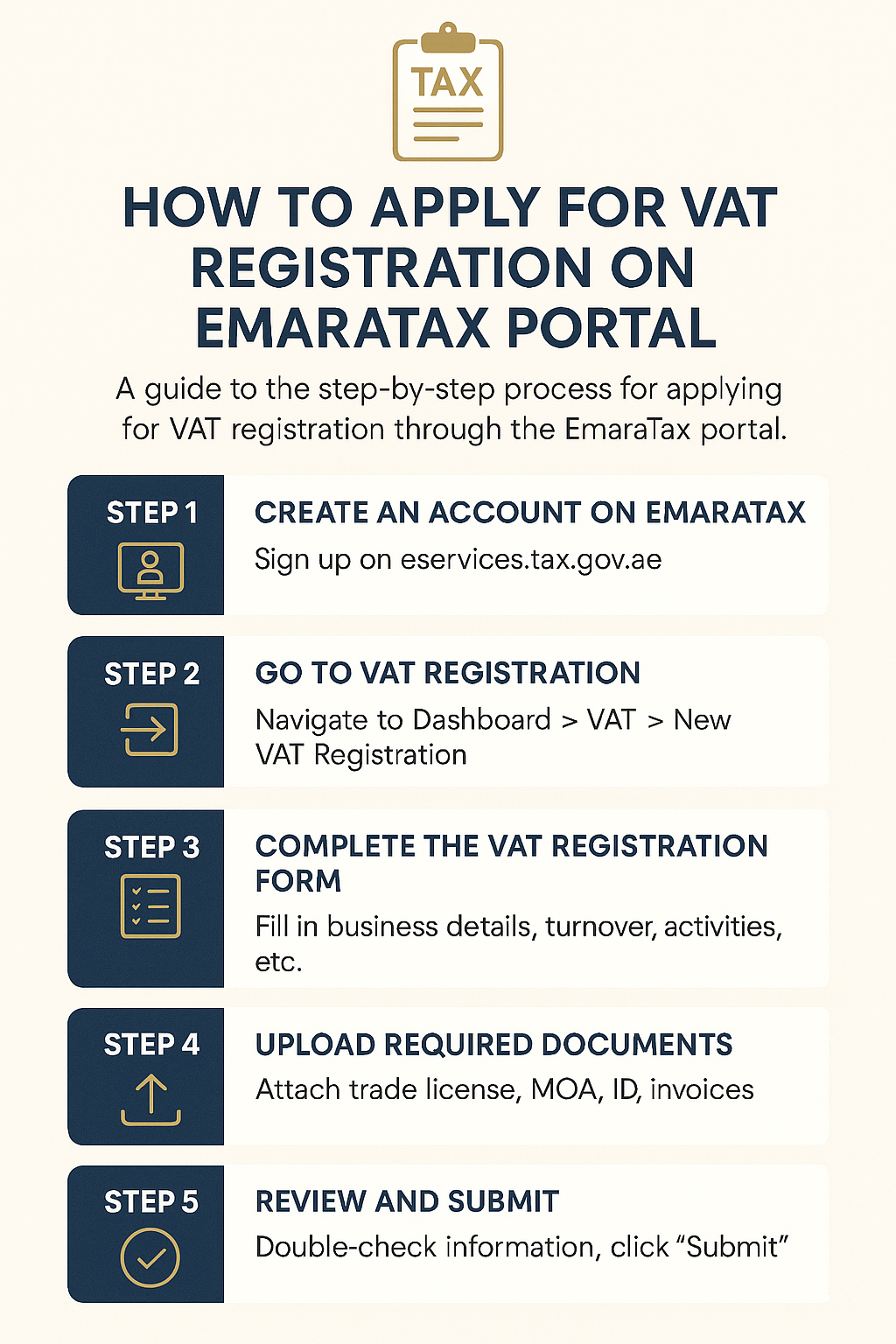
3. Steps to Register for VAT on EmaraTax Portal
✅ Step 1: Create an Account on EmaraTax
Visit: https://eservices.tax.gov.ae
• Click "Sign Up"
• Fill in your details and verify via OTP/email
• Log in to your account
✅ Step 2: Go to VAT Registration
• Once logged in, navigate to Dashboard > VAT > New VAT Registration
• Click "Register for VAT"
✅ Step 3: Complete the VAT Registration Form
The form includes:
• Business details
• Owner/partner information
• Bank and contact details
• Expected turnover
• Business activities (select from dropdown)
✅ Step 4: Upload Required Documents
Attach all supporting documents in PDF format:
• Trade license
• MOA
• Emirates ID/passport
• Sales/purchase invoices
• Lease agreement (if available)
✅ Step 5: Review and Submit
• Double-check all entries
• Click “Submit” to forward your application to the FTA
You will receive an acknowledgment email with an application number.
________________________________________
4. What Happens After Submission?
• FTA will review your application
• They may request clarification or additional documents
• Once approved, you’ll receive your TRN (Tax Registration Number) via email and on your dashboard
________________________________________
5. Common Mistakes to Avoid
• Incomplete or incorrect documentation
• Using an unofficial email (use company email)
• Wrong business activity selection
• Not providing proof of taxable turnover
________________________________________
Conclusion
Registering for VAT via the EmaraTax portal is a straightforward process if you have the correct documents and follow each step carefully. Whether you’re applying for mandatory or voluntary registration, it’s essential to stay compliant from the start.
Need help with your VAT registration on EmaraTax? Contact Sheikh Anwar Accounting and Auditing LLC for end-to-end assistance.